
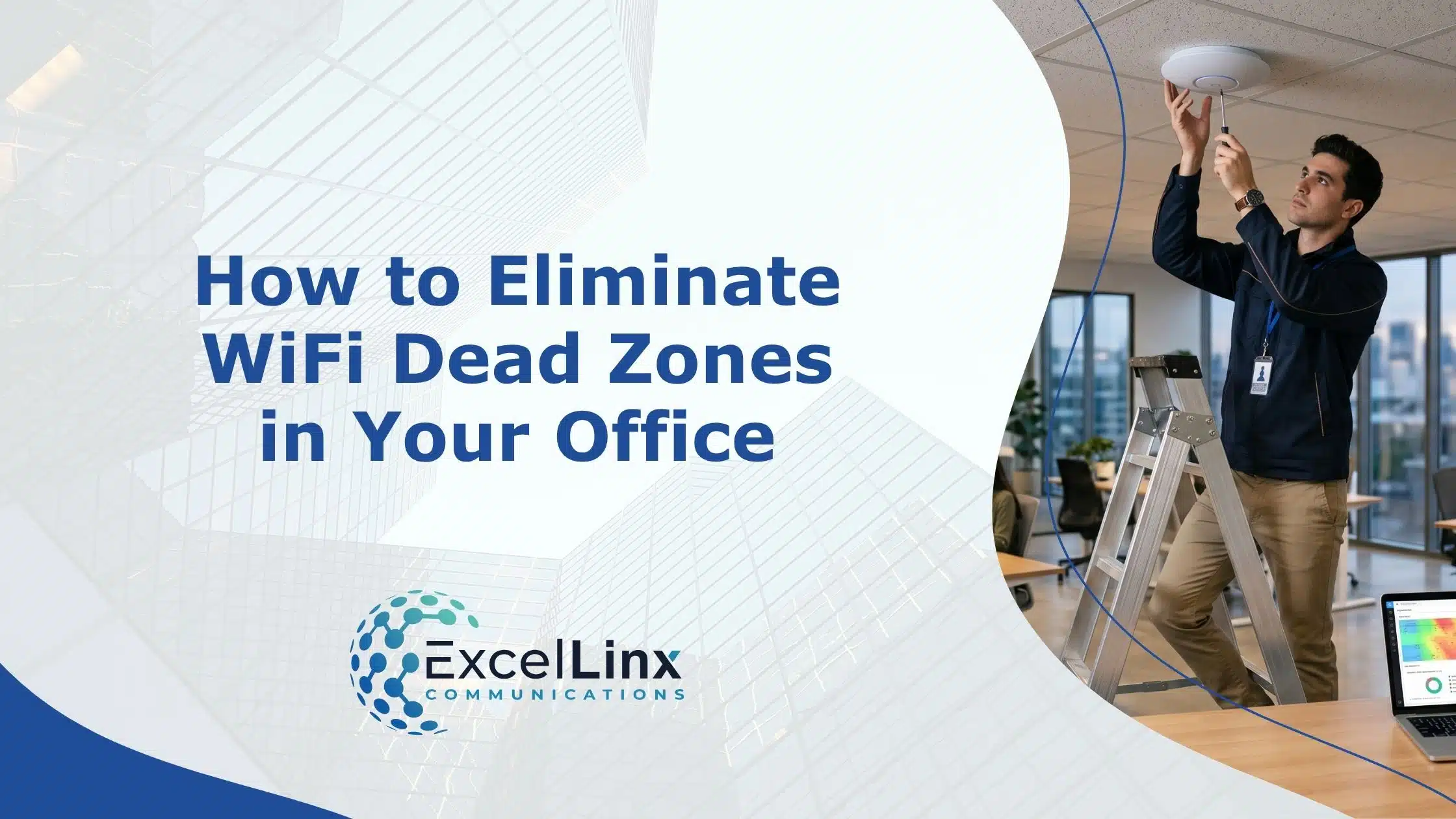
Walk into almost any office and you can map the WiFi signal strength just by watching where people don’t go when they need to get work done. It’s the hallway where calls drop, the meeting room where video is spotty, and the desk no one chooses if they can avoid it. These are signals that your network is shaping behaviour in ways you didn’t intend. Eliminating dead zones starts by recognizing those patterns for what they are and deciding not to work around them anymore.
Understanding Wi-Fi Dead Zones
Wi-Fi dead zones don’t usually present as a complete loss of signal. More often, they appear as inconsistent speeds, dropped calls, or apps that hang longer than they should. In a business environment, that kind of instability creates friction that compounds throughout the day.
Causes of Wi-Fi Dead Zones
Dead zones typically result from overlapping factors that degrade signal strength or disrupt transmission altogether. These factors often include:
Physical obstructions
Dense materials like concrete, brick, metal framing, and even glass with metallic coatings can absorb or reflect Wi-Fi signals. In offices with multiple enclosed rooms or structural barriers, signal loss becomes more pronounced the farther you move from access points. A certified structured cabling system provides the physical foundation that helps mitigate these coverage gaps from the ground up.
Poor access point placement
Positioning matters more than most people expect. Access points tucked into corners, closets, or above ceiling obstructions create uneven coverage patterns, leaving pockets of weak connectivity.
Interference from other devices
Wireless networks share spectrum with a wide range of devices, from Bluetooth peripherals to microwaves. In high-density office environments, overlapping channels and competing signals can disrupt performance even when signal strength appears adequate.
Network congestion
As more devices connect, bandwidth gets divided. In areas with heavy usage, such as conference rooms or collaborative workspaces, this can create localized slowdowns that feel like dead zones.
Benefits of Eliminating Dead Zones
Closing coverage gaps does more than remove inconvenience, as it has a measurable impact on how your business operates day to day. Here’s how:
- Consistent performance across the workspace. Employees can move freely without losing connectivity, which is especially important for hybrid workflows, VoIP calls, and cloud-based applications.
- Improved productivity and fewer disruptions. Eliminating signal drop-offs reduces time lost to reconnecting, buffering, or troubleshooting connectivity issues mid-task.
- Better support for modern devices and applications. From video conferencing to real-time collaboration tools, stable Wi-Fi ensures that performance doesn’t degrade under normal business demands.
- Stronger foundation for scalability. A well-covered network is easier to expand as your device count grows, without introducing new weak points.
Identifying Dead Zones in the Office
Before you can improve coverage, you need an accurate picture of where the problems exist. Relying on anecdotal complaints alone usually leads to incomplete or misleading conclusions. Proper diagnosis includes:
User experience patterns
Pay attention to recurring complaints tied to specific locations. If multiple employees report issues in the same area, it’s a strong indicator of a coverage gap.
Locating signal strength inconsistencies
Walking through the office with a Wi-Fi analyzer or heat mapping tool can reveal fluctuations in signal strength that aren’t obvious during normal use.
Factoring environmental changes over time
Office reconfigurations, added equipment, or even new tenants in the building can introduce new interference patterns, creating dead zones where none existed before.

Basic Troubleshooting and Quick Fixes
Once you know where your Wi-Fi struggles, the next step is tightening up the fundamentals. Most dead zones can be attributed to small design or configuration gaps that add up. Before you start thinking about major upgrades, there’s real value in addressing the low-friction fixes that can stabilize coverage quickly.
Troubleshooting Core Network Issues
Start with the pieces you already have. In many offices, performance issues trace back to configuration drift or layout decisions that no longer match how the space is being used. If you suspect your infrastructure is part of the problem, our guide to troubleshooting common cabling issues can help you work through the fundamentals. Otherwise, try these troubleshooting steps:
- Reposition access points to reduce obstruction and improve line-of-sight coverage.
- Verify channel selection to avoid overlap with neighbouring networks, especially in dense buildings.
- Separate the 2.4 GHz and 5 GHz bands where appropriate to prevent devices from clinging to weaker signals.
- Check firmware versions on routers and access points to ensure performance and security updates are applied.
- Audit connected devices and remove unnecessary or idle connections that are consuming airtime.
- Review bandwidth allocation settings to confirm critical applications are not being deprioritized.
Cellular and Signal Boosters
Signal boosters aren’t a silver bullet, but they’re effective in very specific scenarios. Offices located in buildings with poor cellular penetration, such as concrete-heavy structures or underground levels, often struggle with mobile data fallback. In these cases, a properly installed cellular booster can stabilize voice and data performance for employees relying on their phones for calls or hotspot usage.
Wi-Fi extenders vs. mesh add-ons
Traditional Wi-Fi extenders tend to rebroadcast an existing signal, which can introduce latency and cut available bandwidth in half. Mesh-based add-ons take a different approach, creating a coordinated network where nodes communicate with each other and dynamically manage traffic. In practice, mesh systems are far more predictable in office environments with device density and constant movement.
Avoiding overlap and interference
Adding boosters or extenders without a placement strategy can make things worse. Overlapping signals on the same channel create contention, which shows as inconsistent speeds rather than stronger coverage. The goal is controlled expansion, not just more signal.
Installation Best Practices
Mounting height, spacing, and orientation all affect how signals propagate. Ceiling-mounted access points typically outperform wall-mounted ones in open office layouts because they distribute signal more evenly and avoid furniture-level obstructions. Other best installation practices include:
Planning for capacity, not just coverage
A space can have full signal bars and still perform poorly if too many devices are competing for the same access point. High-traffic areas like boardrooms or shared work zones should be treated as capacity hotspots, with dedicated coverage to handle peak demand.
Using wired backhaul where possible
Wireless links between access points are convenient, but they introduce additional latency and reduce available throughput. Running Ethernet (or a fiber optic cable installation where distances demand it) to connect access points or mesh nodes keeps performance consistent and predictable, especially in larger offices.
Keeping infrastructure away from interference sources
Network equipment placed near electrical panels, large appliances, or dense cabling bundles is more susceptible to interference. Even something as simple as relocating an access point a few feet away from these sources can noticeably improve stability.
These adjustments don’t require a full network overhaul, but they can close the most disruptive gaps before deeper optimization begins.

Advanced Solutions for Eliminating Dead Zones
If the fundamentals of your network are optimized and gaps still exist, you’re no longer dealing with simple placement or configuration issues. At this stage, it’s about designing the network around how your office actually behaves, not just where the walls are. More advanced solutions include:
Enterprise-Grade Access Point Design
Consumer-grade hardware tends to fall apart under density. Enterprise access points used in commercial wireless deployments are built to handle dozens or hundreds of simultaneous connections without collapsing into congestion. More importantly, they support features like band steering and fast roaming, which keep devices connected to the right node as people move through the space. That’s the difference between “coverage everywhere” and “usable Wi-Fi everywhere.”
Predictive Heat Mapping and Site Surveys
Guesswork doesn’t scale. A proper RF site survey uses real-world measurements and predictive modelling to map signal propagation, interference zones, and capacity bottlenecks before hardware is deployed. This is especially important in offices with irregular layouts, mixed materials, or high device density. You’re not just filling in dead zones. You’re engineering around them.
Network Segmentation and Traffic Control
Not all traffic deserves equal treatment. With the right configuration, you can control how bandwidth is allocated and prevent localized slowdowns from spreading across the network. Try these suggestions:
- Separate guest and internal networks to reduce unnecessary load
- Apply QoS policies to prioritize latency-sensitive applications
- Limit bandwidth for non-critical devices or services
Centralized Network Management
As networks grow, visibility becomes just as important as coverage. Centralized management platforms give you real-time insight into device behaviour, access point performance, and interference patterns. Instead of reacting to complaints, you can identify and resolve issues before they affect users.
Rethinking Wi-Fi as Business Infrastructure
Most businesses treat Wi-Fi like a utility. It’s expected to work, but is rarely evaluated with the same attention as other core systems. That’s where problems start. Connectivity is now integral to how efficiently your team communicates, collaborates, and responds in real time, and it all sits on top of your physical network infrastructure.
The real shift happens when you stop thinking in terms of signal strength and start thinking in terms of experience consistency. Two offices can have identical hardware and still perform very differently depending on layout, device behaviour, and how the network is tuned over time. That gap is where most hidden inefficiencies live.
If your team is adjusting how they work to accommodate the network, that’s your signal. Not a complaint ticket. Not a speed test. A workflow change.
The next step is taking a structured look at how your network performs under real conditions and aligning it with how your business runs IRL.
If you’re ready to eliminate dead zones for good, ExcelLinx Communications is here when you need us. We’ll bring in a team that can assess, design, and implement a network that works as hard as your business does.